
Gift card guides · CardToNaira Editorial · 3 min read
CardToNaira · Information
Google Play Gift Cards: Preparing a Clear Trade Submission
Organise your Google Play card details and evidence before checking a matching CardToNaira offer.
Updated 3 November 2026
Separate the card from your account balance
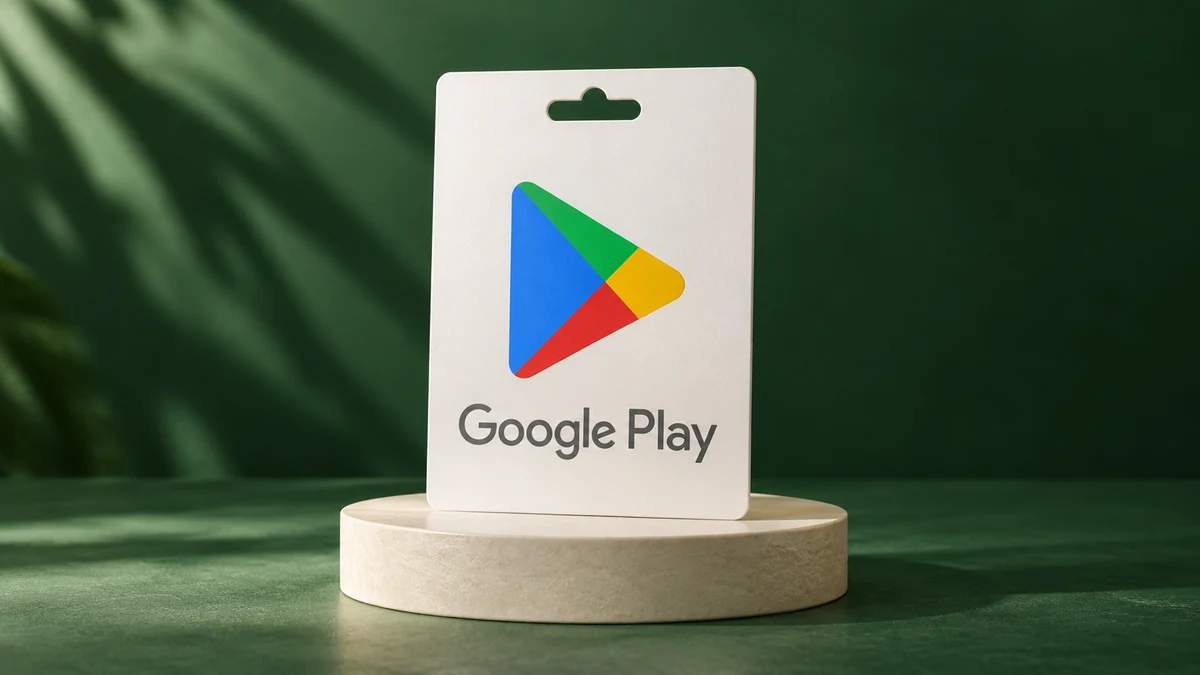
Before seeking a quote, identify exactly what you hold. Is it a physical Google Play gift card, a digital code, a purchase receipt or a screenshot of an account balance? These describe different things, so do not treat them as interchangeable evidence.
Use the original card or delivery record to establish its country, currency and value. If the only information available is an account screenshot, ask support what that means for your enquiry rather than presenting it as an unused gift card. Accurate descriptions prevent avoidable confusion later.
Keep the country selection factual
Choose the country or region identified by the original card information. Your current location in Nigeria does not by itself establish the issuing country of a card received from abroad. Equally, the sender's location is not enough evidence to make that selection.
If a card displays a dollar symbol without a clear country, check the original purchase details. Do not repeatedly switch countries in the calculator until a desired payout appears. Changing a selection changes the description you are quoting, not the underlying card.
Check the live offer before preparing the upload
Open the CardToNaira calculator, select Google Play and match the country, format and denomination. Read any conditions attached to the offer. A brand may appear in a catalogue while your exact card type has no available offer.
If there is no match, ask about availability using a description that excludes the redeemable code. This is a useful stopping point. Preparing a full submission under a different category does not establish that the card will be accepted or receive that category's estimate.
Make each piece of evidence useful
For photos, avoid reflections, keep required information in focus and inspect the image before sending. When the card is digital, start from the original delivery message so you can distinguish the code from an order number or receipt identifier.
Do not paste an entire email containing unrelated personal information when only the required card details are needed. At the same time, do not alter the underlying card information to make it look different. If a character is unreadable or the evidence is incomplete, explain the problem clearly.
Submit once and follow the conversation
Open a trade only when the chosen offer and your Google Play details agree. Review the amount, quantity where applicable, attachments and estimated payout. Keep the transaction reference after submitting so you can return to the same record.
Use that trade's message thread for updates or clarification. Card review takes place before a paid trade makes funds available in your wallet, and a bank withdrawal follows separately. CardToNaira's clear account stages help you see what has happened and what still needs attention without guessing from a submission confirmation alone.